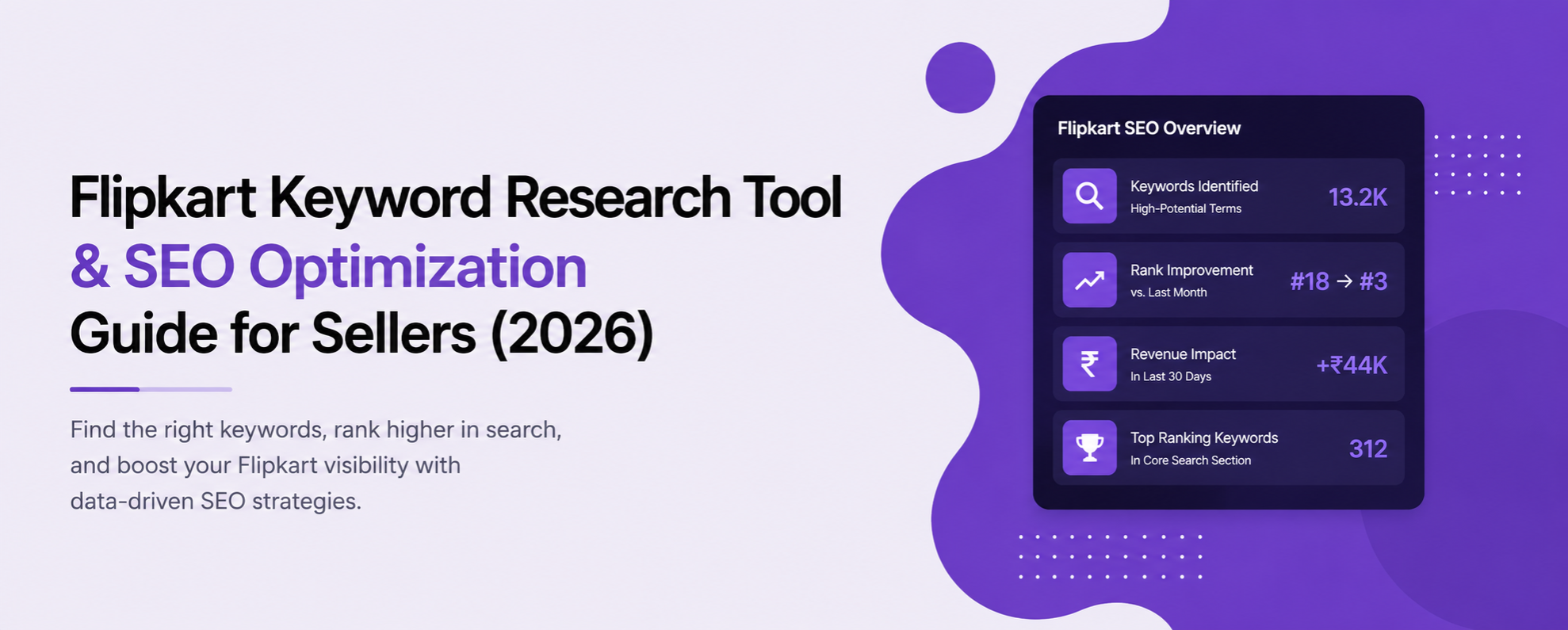
What Is Flipkart Keyword Research?
Flipkart keyword research is the process of finding which search terms your buyers actually use, and checking whether your listings are visible for them. It's different from Amazon keyword research: Flipkart's search behaviour, category structure, and buyer phrasing patterns aren't identical, so a strategy copied from Amazon usually underperforms here.
Why Keyword Research Matters for Flipkart Sellers in 2026
Most listings don't lose visibility because the product is wrong. They lose it because the title and description are optimised for the wrong words. Without tracking, you only find out about any of this once sales have already dropped.
How Flipkart's Search Considers Keywords
Flipkart's search ranking weighs keyword relevance in your title and description alongside your pricing competitiveness, review quality, and sales history, not keywords in isolation. That's why the sellers who improve rank fastest are the ones tracking keyword position alongside price and review data, not keywords on their own.
What to Track: Keyword Attributes That Matter
A proper keyword research setup should show you three things, updated continuously rather than checked when you remember to.
Current rank position for each keyword you're targeting
Tracked daily, not checked manually once a week. A keyword sitting at position 4 today can slip to position 11 by the weekend if a competitor updates their title. Checking only every Monday means you're always finding out three or four days late.
Keyword gaps
Terms your competitors rank for that you don't, surfaced automatically instead of found by manually comparing titles one by one. Spotting a gap by hand means opening five competitor listings and reading every word; an automated gap report just shows you the list.
Rank movement over time
So a 6-position drop gets flagged the day it happens, not discovered a month later when the sales report already reflects it. A single day's delay in noticing a drop is rarely costly on its own; a month of not noticing usually is.
How to Do Flipkart Keyword Research: A Step-by-Step Method
If you're starting from nothing, work through it in this order.
List your seed terms
Start with the obvious words a buyer would use: the product type, brand, and one or two defining features. Don't overthink this step; it's just a starting list.
Check what competitors are ranking for
Look at the top 5 to 10 listings for your seed terms and note which additional words show up repeatedly in their titles. These are usually the terms actually driving traffic, not just guesses.
Run a keyword gap check
Compare your listing against competitors to see which of those terms you're missing entirely, rather than reading every title by hand.
Update your title and description
Work in your two or three highest-priority keywords naturally. A keyword stuffed in awkwardly typically hurts more than it helps.
Track rank for two weeks before making further changes
Keyword changes take a few days to show up in rank movement; changing your title every other day makes it impossible to tell what's actually working.
Revisit quarterly, or before any major sale event
Buyer search phrasing shifts over time, especially around festive periods. Check your keyword list before Big Billion Days and other major sale windows, not just once a year.
Where to Place Your Keywords in a Flipkart Listing
Once you know which keywords matter, placement affects how much weight each one carries. Avoid repeating the same keyword in every field just to 'be safe'. Flipkart's ranking signals respond to natural relevance across a listing, not repetition of a single phrase.
Title
Key features / bullet points
Description
Free Flipkart Keyword Research Options
A Weekly Flipkart SEO Checklist
📋 Run This Every Week
Check rank position for your top 10 keywords. Note anything that moved more than a few positions.
Scan the keyword gap report for any new terms competitors have started ranking for.
Re-read your title and description against your top 3 keywords. Confirm they're still there, still in a natural order.
Note any upcoming sale event or seasonal term and check whether your listing already includes it.