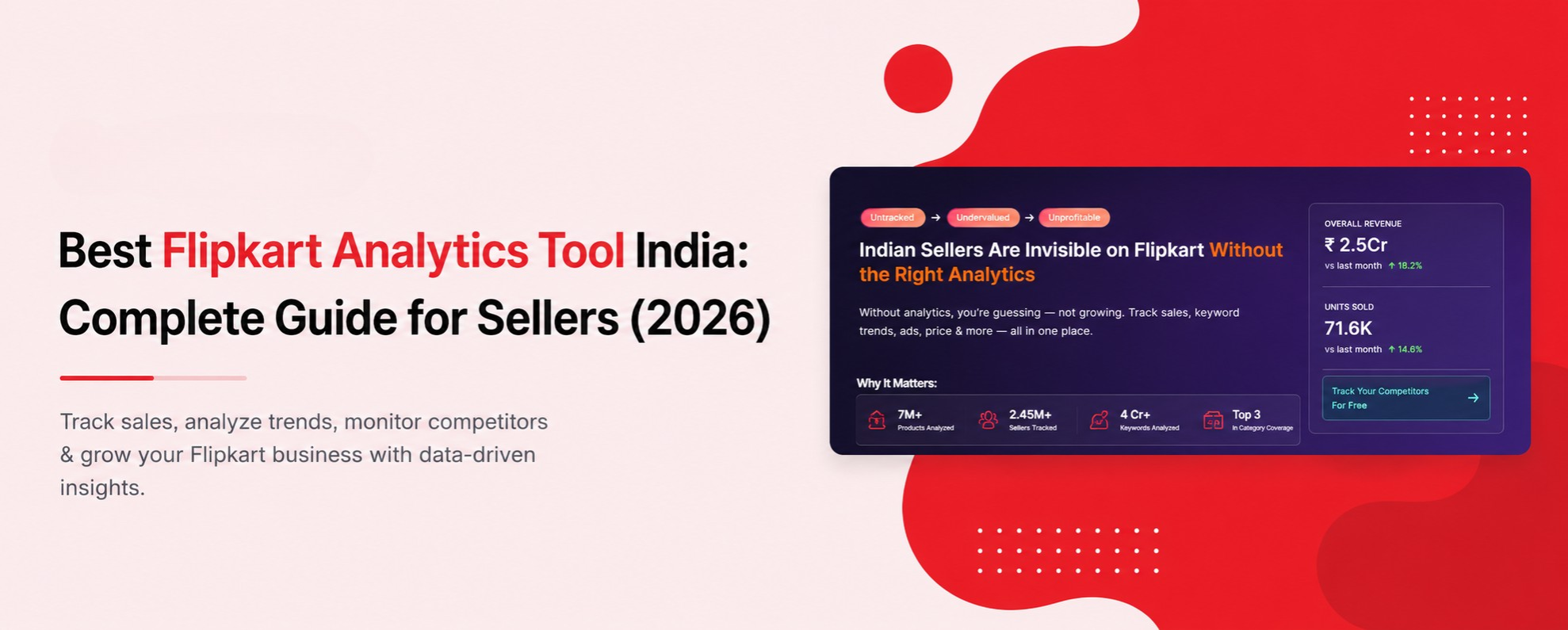
What is a Flipkart Analytics Tool?
A Flipkart analytics tool pulls together the data you'd otherwise have to check manually across dozens of product pages every day competitor prices, review changes, keyword rank, and listing health into one dashboard. Instead of opening ten competitor listings one by one, you see what changed overnight in a single view.
Why Do Flipkart Sellers Need This in 2026?
Flipkart's marketplace moves fast, and most of what costs sellers money happens quietly:
• A competitor drops their price by ₹30 and takes your rank position before you notice.
• A product picks up a run of 1–2 star reviews that quietly drags down conversion.
• A listing's search visibility slips because a competitor optimized their title or images.
• A festive demand spike passes by unnoticed because nobody was tracking category trends that week.
None of these show up clearly until the sales report already reflects the damage. An analytics tool exists to catch them while there's still time to react.
What Does a Flipkart Analytics Tool Actually Track?
A tool worth using should cover these layers, all built into Insydz:
see when competitor prices move, so you can react the same day instead of the same month. A ₹20–30 undercut rarely announces itself; if you're not checking daily, a competitor can sit at a lower price for a full week before it shows up as a dip in your own sales. Daily tracking turns that week-long blind spot into a same-day fix.
get an early read on how your reviews compare to competitors', not just your own star rating in isolation. A 4.2-star rating can look perfectly fine on its own, but if every competitor in your category sits at 4.5 and above, you're losing conversion you'd never spot from your own dashboard alone.
flag gaps in your title, images, or description before they quietly cost you rank. A missing attribute or a low-resolution image is often invisible to the seller who wrote the listing, but it's exactly what Flipkart's ranking signals pick up on.
spot rising demand in a category early enough to stock and price for it. Category demand for things like festive décor or gifting items can start climbing two to three weeks before a sale event — sellers watching for it get a real head start on stock and pricing that latecomers don't.
a lighter check-in here; if you want the full breakdown of how to track and improve Flipkart keyword rank, see our complete keyword research guide.
Using Analytics to Prepare for Flipkart's Big Billion Days
Big Billion Days is one of the highest-stakes windows on the Indian ecommerce calendar — and one of the easiest to get caught flat-footed in, if you're only checking your dashboard reactively. A few ways analytics changes the outcome:
- ● Spot category demand rising early. Festive trend signals often show demand climbing two to three weeks out, giving you time to adjust stock levels before the rush instead of during it.
- ● Watch competitor pricing daily in the run-up. Many sellers drop prices aggressively a few days before the sale starts — missing that shift means losing rank at exactly the moment traffic is highest.
- ● Track review sentiment heading into the sale. A product carrying an unresolved review issue into peak traffic will convert worse right when volume matters most.
Sellers who treat festive prep as a scramble the week before the sale are usually reacting to moves competitors made weeks earlier. Sellers checking analytics daily through the lead-up see those moves as they happen, not after.
What Features Should You Look For?
Whether you use Insydz or evaluate anything else, a proper Flipkart analytics setup should give you:
- ● Daily competitor price monitoring so undercuts don't sit unnoticed for a week.
- ● Review comparison, not just your own review count, so you know where you stand against competitors.
- ● Listing quality scoring that flags fixable gaps instead of a vague "optimize your listing" note.
- ● AI-based recommendations that suggest a next action instead of just showing a chart.
- ● WhatsApp alerts for anything urgent, since checking a dashboard once a week is too slow for a price change that happened this morning.
- ● Category and product research tools (Market Explorer, Product Research) if you're deciding what to sell next, not just optimizing what you already list.
If you're comparing this against your day-to-day seller toolkit more broadly, our Flipkart seller solutions page covers the full picture beyond just analytics.
Who This Is For
A Flipkart analytics tool isn't only useful once you're already managing a large catalog. In practice, it tends to help three kinds of sellers in different ways:
- ● Solo sellers running a handful of products, who don't have the time to manually check ten competitor listings every day and need alerts to do that checking for them.
- ● Small teams managing a growing catalog, where keeping track of every product's rank and review trend from memory stops being realistic somewhere past 15–20 SKUs.
- ● Sellers preparing to scale, who'd rather build the habit of data-backed decisions before adding more products than retrofit it later once the catalog is too large to check by hand.
Common Mistakes Sellers Make Without Analytics
By the time a sales dip shows up in your weekly report, a competitor's undercut has usually been live for days.
A handful of critical reviews left unaddressed can shift buyer trust before you've even noticed the trend.
Category demand for things like seasonal accessories or gifting items often spikes with only a short lead time to prepare.
Without a listing audit, sellers often polish the wrong section of a page while the real gap a missing keyword in the title, say goes unfixed.
A Real Example
One Insydz seller noticed a top-selling product had quietly slipped out of Flipkart's visible search results, dropping to around rank #31. Using the listing audit and rank tracking together, they identified a fixable gap in the product's listing quality and adjusted their pricing to stay competitive. Within about five weeks, the same product had climbed back to rank #6 — without any paid promotion, just by acting on what the dashboard flagged early.